
Measure twice, cut once
Calculate your materials.
Visualize your layout.
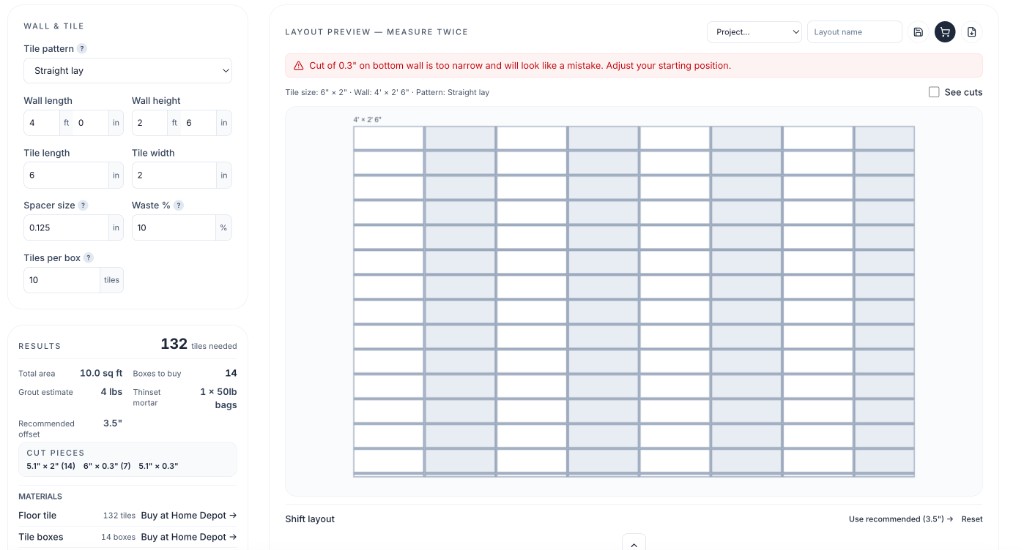
See every cut before you buy — exact tile and plank counts with a live layout preview, so your ends land balanced instead of as awkward slivers.
Visualize before you cut
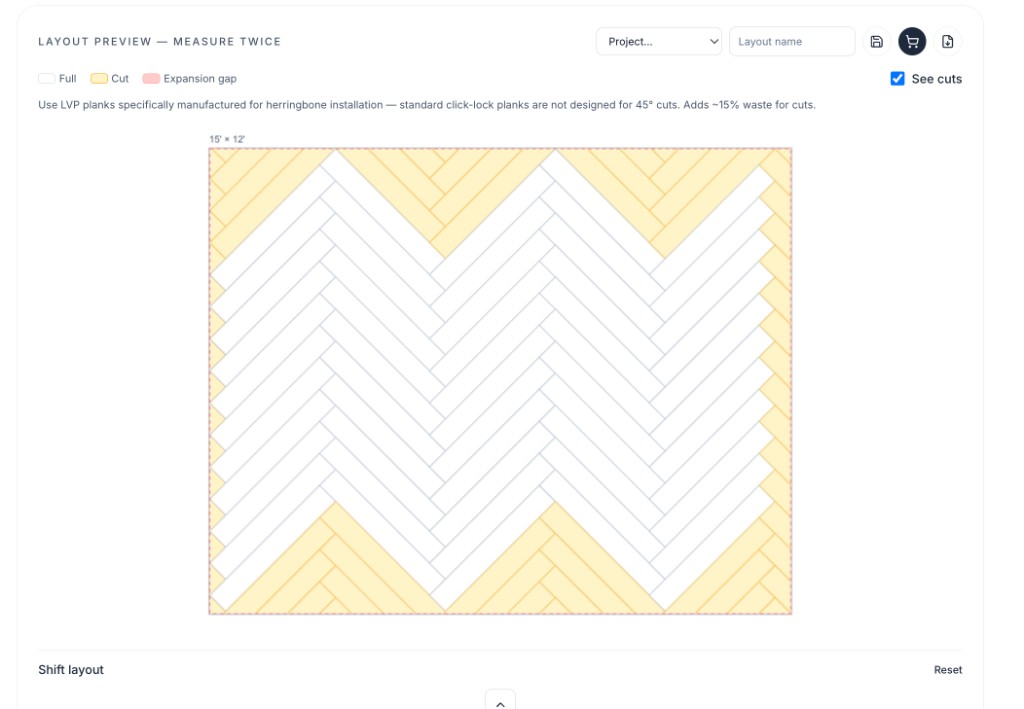
Preview straight, offset, and herringbone sample layouts — plus plank runs — so you know where every piece lands.
Know exactly how much to buy
Live material counts with waste built in — no running short at the store.
Avoid awkward mistakes
Spot sliver end pieces, short cuts, and bad layouts before install day.
Stop guessing at the store
Count your materials. See your layout.
Typical tile calculators just do the math. Measure Twice lets you place windows, doors, and cutouts, preview herringbone or diamond layouts, handle irregular rooms, and warns you before you end up with a piece that's too small.
Typical tile & flooring calculators
- Just math — square footage and box counts
- Straight layouts and rectangular rooms only
- No windows, doors, or wall cutouts
- You discover sliver cuts on install day
Measure Twice
- Visualize what looks best — herringbone, diamond, and more
- Irregular rooms, plus windows, doors, and cutouts on the layout
- Recommends better cuts and warns when a piece is too small
- Exact material counts — tiles, boxes, grout, and more
Calculators
Every tool built around one rule
Tile, flooring, paint, drywall, concrete — each one gives you numbers you can trust and a layout you can see before opening a box.
 01
01Tile & Grout
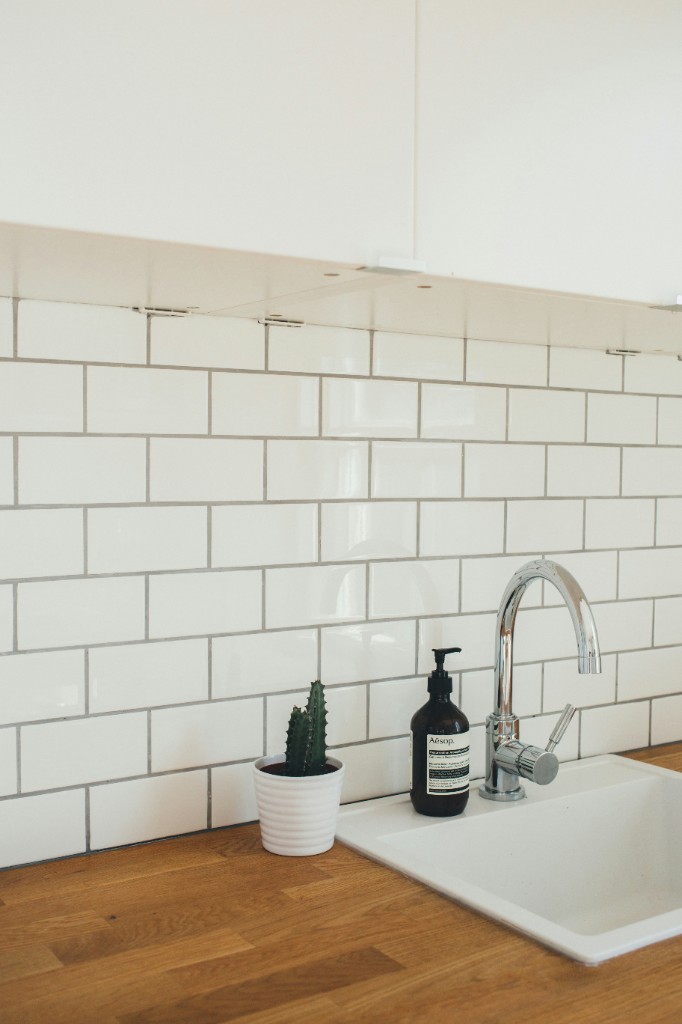
Count tiles, grout, and thinset, then preview straight and offset layouts with your dimensions. Free herringbone sample included.
Calculate 02
02Hardwood & LVP Flooring
Calculate plank counts and visualize every row with your room dimensions — catch sliver cuts and unbalanced borders before you open a box.
Calculate 03
03Paint
Add up gallons wall by wall with doors and windows deducted automatically — know exactly how much to grab.
Calculate 04
04Drywall
Get sheets, screws, joint compound, and tape for walls and ceiling in one pass — no second trip to the store.
Calculate 05
05Concrete
Figure out bags or cubic yards for slabs, footings, and post holes before you order — or start mixing.
Calculate01Tile & Grout
Count tiles, grout, and thinset, then preview straight and offset layouts with your dimensions. Free herringbone sample included.
Calculate02Hardwood & LVP Flooring
Calculate plank counts and visualize every row with your room dimensions — catch sliver cuts and unbalanced borders before you open a box.
Calculate03Paint
Add up gallons wall by wall with doors and windows deducted automatically — know exactly how much to grab.
Calculate04Drywall
Get sheets, screws, joint compound, and tape for walls and ceiling in one pass — no second trip to the store.
Calculate05Concrete
Figure out bags or cubic yards for slabs, footings, and post holes before you order — or start mixing.
CalculateWhy Measure Twice
Plan on screen before you cut on site
Carpenters measure twice so they only cut once. Enter your dimensions, preview every row and tile, and buy with confidence — no second trip because you shorted grout or guessed wrong on waste.
5
Calculators
Free
Always
10s
Avg. calculation
0
Accounts to start
How it works
Measure twice. Cut once.
Three steps between “I think I have enough” and “that went exactly as planned.”
Measure your space
Enter room dimensions and material specs — feet, inches, or metric.
Visualize the layout
See where tiles and planks land — preview straight and offset with your dimensions, or try a herringbone sample — spot awkward cuts and get exact quantities with waste included.
Cut once
Buy the right amount, avoid sliver pieces, and install with confidence.

Pro Feature
Your room isn’t a rectangle? Draw it.
Most calculators stop at length × width. Measure Twice lets you build L-shaped rooms or draw any custom polygon — then lays out every plank row inside your real walls, so alcoves and bump-outs are counted, not guessed.
Pro Feature
Keep all your rooms in one project
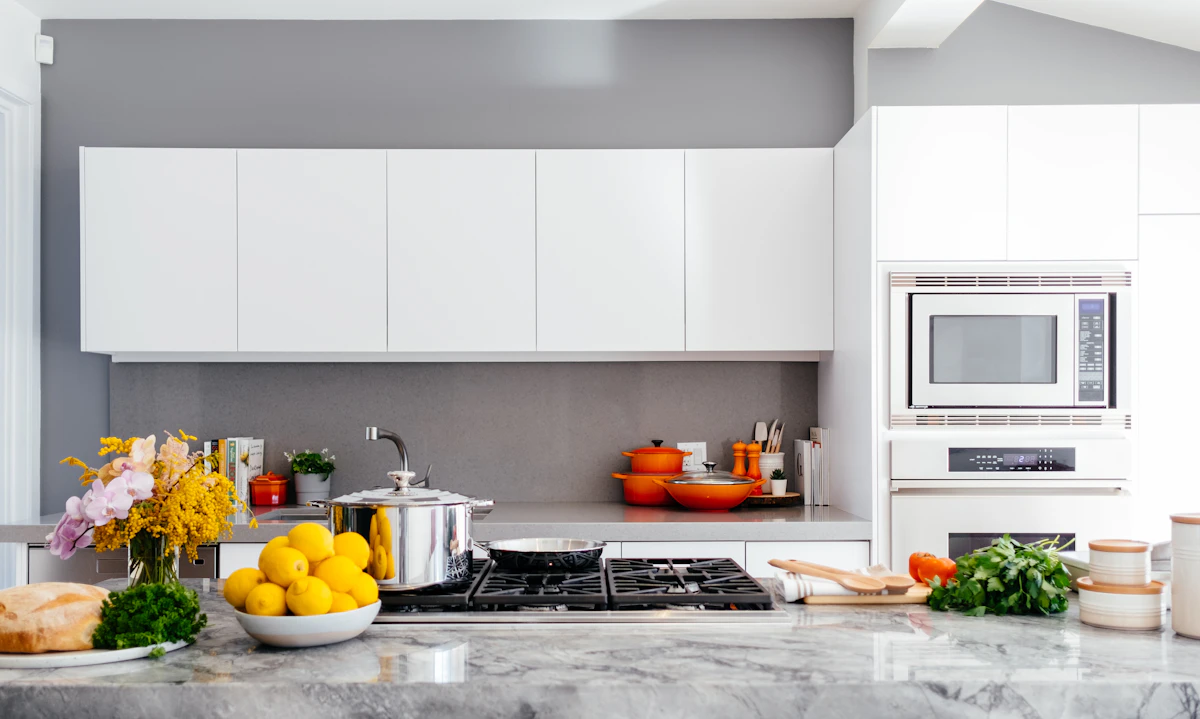
Create a Kitchen Reno project. Add backsplash, floors, and accent walls as separate rooms. See your full shopping list and total cost in one place.
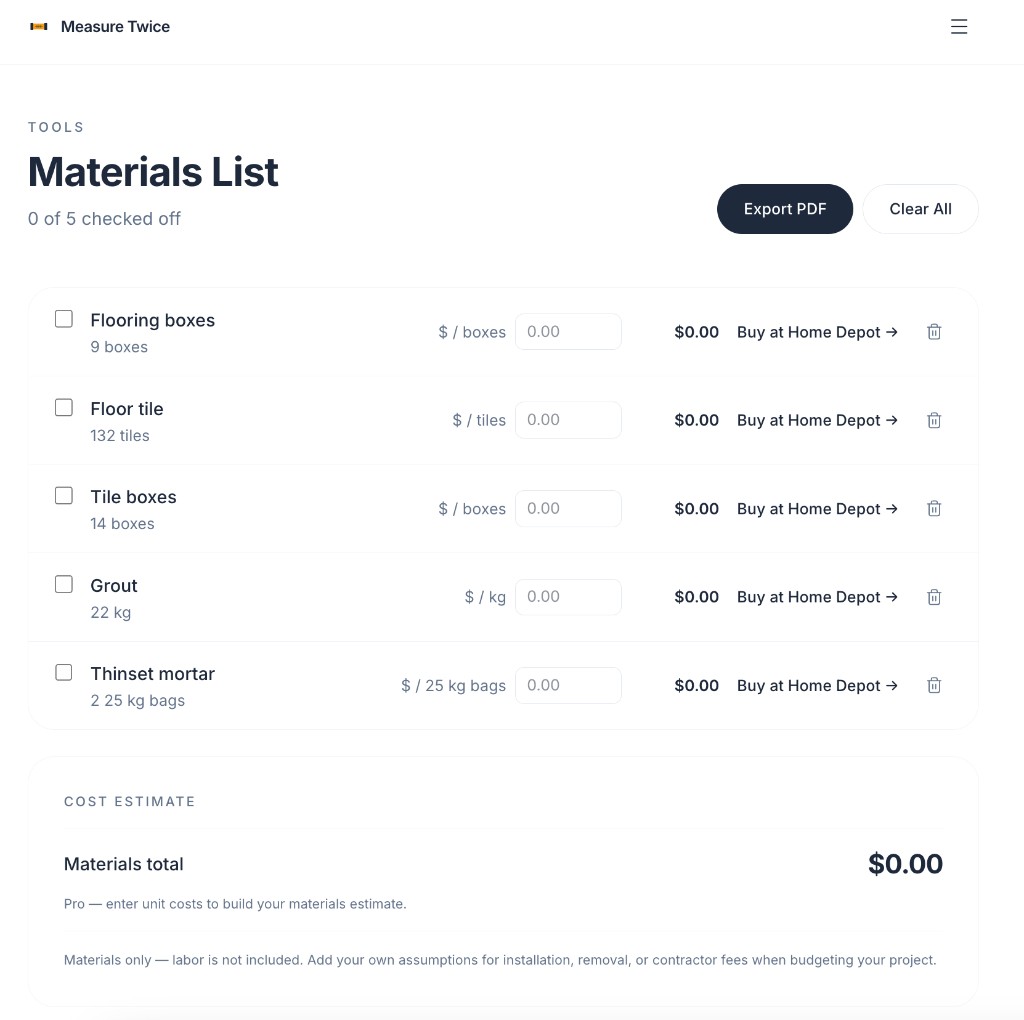
Pro Feature
Export a clean PDF shopping list
Print it, email it to your contractor, or pull it up at the store. Every material, quantity, and price in one document.
Pricing
Free to start. Pro when you're ready.
Free
$0forever
- All 5 calculators
- Straight & offset layout visualizer
- Diamond, herringbone & hexagon sample previews
- Materials list builder
- Affiliate shopping links
Pro
$5.99/mo
- Everything in Free
- Custom room shapes — L-shaped & polygon rooms
- Wall openings — windows, doors & niches with drag-to-place layout
- Custom diamond, herringbone & hexagon with your dimensions
- Pattern layout shift controls
- PDF export
- Save & reload projects
- Project cost estimator
- Ad-free experience
FAQ
Frequently asked questions
We calculate exact material counts based on your dimensions, layout pattern, and typical waste factors for that install type. They're built to be precise enough to shop from. Note that walls and floors often aren't perfect, so always round up when buying, and check local building requirements before installing.